
What's new
January
06
,
2026
January
06
,
2026
User roles to control who can do what in Adfin
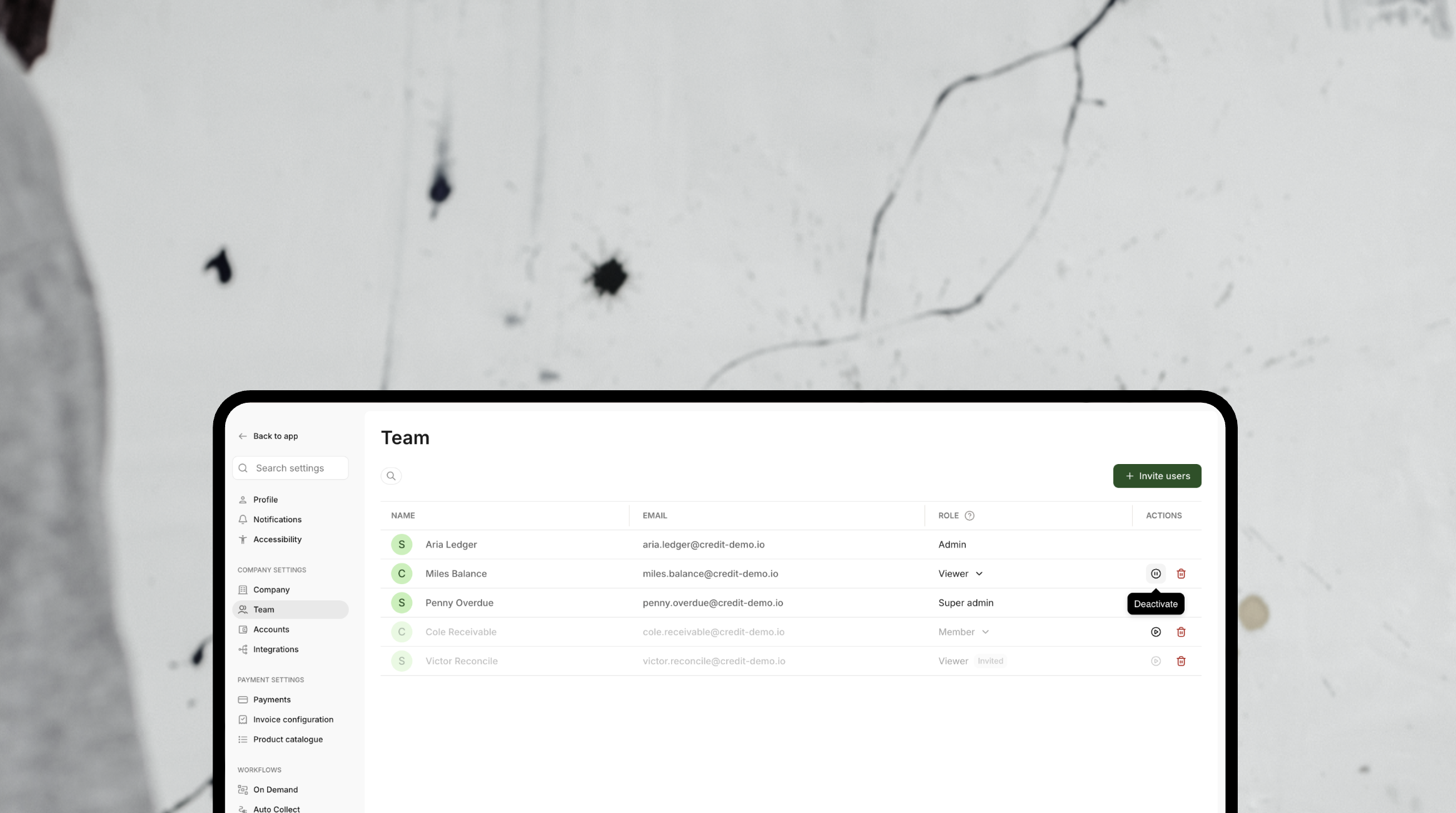
You can now give your team the right level of access in Adfin. Set clear permissions so everyone can do their job, without worrying about accidental changes to your account 🔐
There are three roles to choose from:
- Admin – full access to everything in Adfin, including customers, payments, payouts, invoices, and account settings
- Member – can view and manage customers, payments, and payouts, and create and send invoices, but can’t view or change account settings
- Viewer – view-only access to customers, payments, and payouts. No changes, invoices, or settings access 👀
You can also deactivate or remove users at any time, making it easy to keep your account tidy as your team changes 🧹
👉 Head to Company settings → Team to configure and manage roles.