
What's new
Track revenue with tracking categories
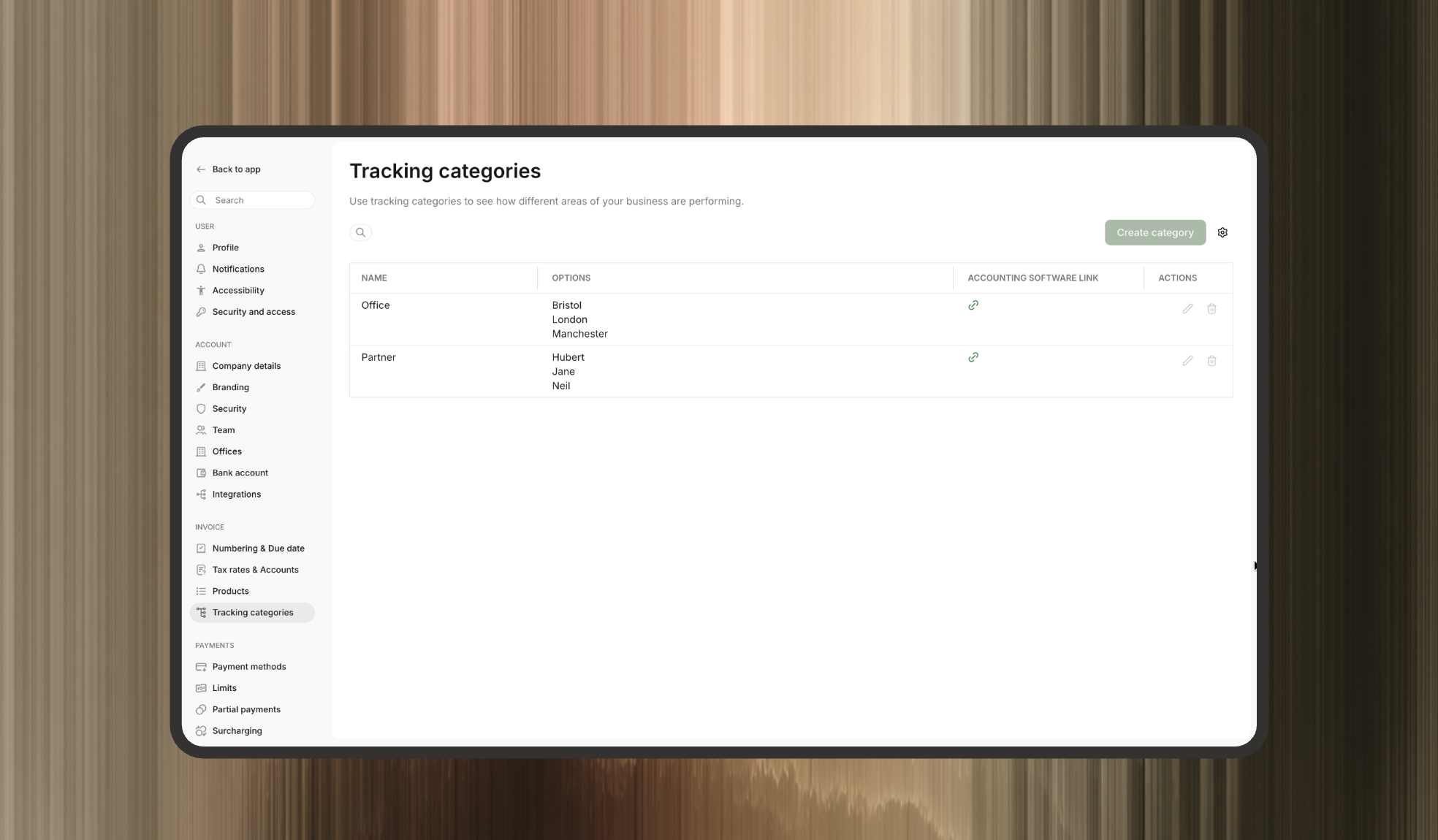
You can now use tracking categories in Adfin to track revenue across different areas of your business — such as offices, departments, or service teams 📊
Tracking categories are configurable sets of custom fields that can be applied at the invoice line item level, giving you more granular visibility into where revenue is coming from.
When creating an invoice in Adfin, you can simply select a tracking category option for each line item.
You can also set default tracking category options per customer, so the correct option is automatically preselected whenever you raise an invoice for them.
Once set up, you’ll be able to filter by tracking category options in both the Payments and Credit control dashboards.
If you use Adfin with Xero, you can sync your existing tracking categories directly from Xero, including any customer-level default options 🔄
👉 You can find this feature in Invoice settings → Tracking categories ⚙️