
What's new
December
23
,
2025
December
23
,
2025
Use DSO and days overdue to spot your good and bad payers
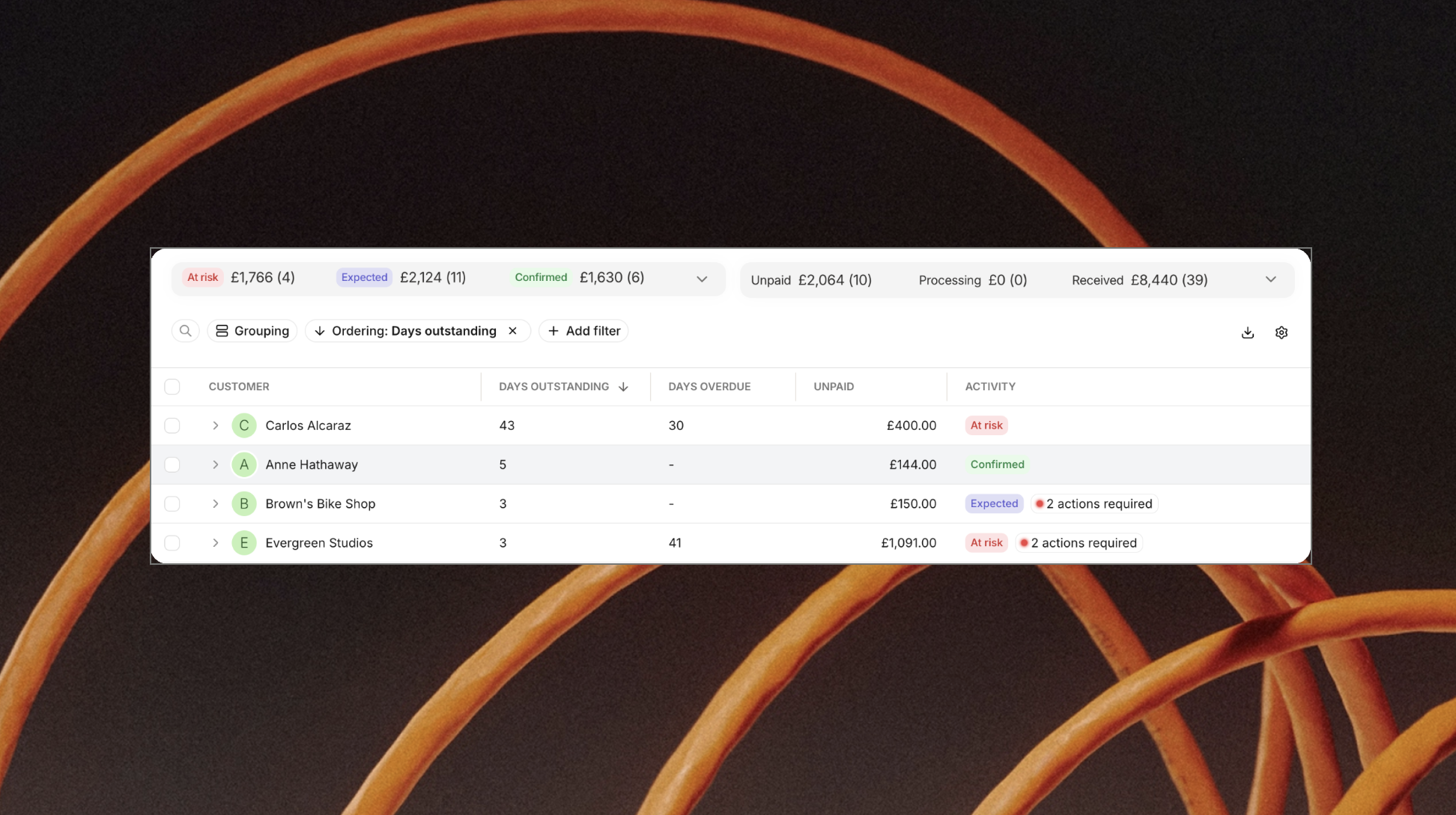
Get clearer insight into how your customers pay by adding Days Sales Outstanding (DSO) and days overdue to your credit control view 📊. It’s an easy way to see who pays on time — and who might need a follow-up ⏱️.
These new columns can be added to your dashboards and viewed at:
- Payment request level, to track how individual payments are performing
- Customer level, where:
- DSO is averaged across all their payments
- Days overdue shows the most overdue unpaid invoice 🔔
You’re in control of the setup:
- Use the cog icon ⚙️ in the customer or payments view to add the columns
- Save the view as your default, so it’s always ready when you are 👀