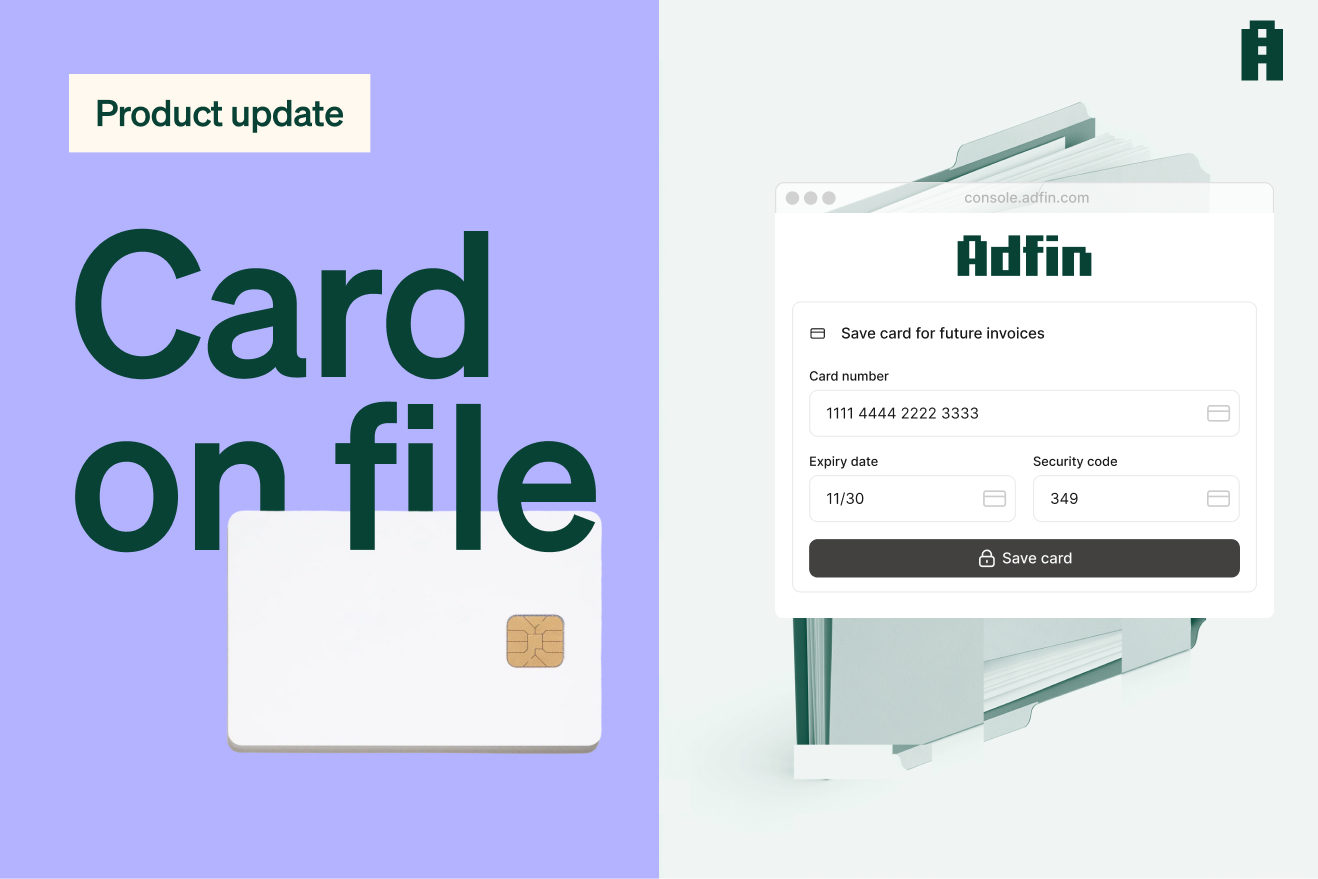
Card on file is now live in Adfin. Save a customer's card once, then charge it automatically, without asking them to pay or to enter their details again.
When to use card on file
- If you want to collect a payment before work starts
- If your customers are already using card, or won't sign a direct debit mandate
- If you collect by direct debit and want a fast back-up if a collection fails
None of these are mutually exclusive. You can combine them in one flow: a customer pays upfront by card, moves to direct debit for their ongoing invoices, and the same card is kept as a backup behind it.
All three come back to the same thing: money in sooner. An upfront card payment lands quicker than waiting on a direct debit mandate. A failed collection is retried the next day rather than the seventh. And where a customer would rather pay by card, letting them do that removes one reason for an invoice to sit unpaid.
Read on for more on each use case, how card details are saved, and what your customers are told.
Take an upfront payment, then bill automatically
If you want to take payment upfront for work you haven't done yet, rather than waiting for a direct debit mandate to be signed, you can ask your customers to pay a deposit or first invoice by card.
That way you're not left carrying out work before you've been paid, and it saves their card details at the same time. Every payment after that goes out automatically, with no new form to fill in and no card details to re-type.
It works alongside direct debit too:
- Send the first invoice or proposal
- If they pay by card, the card details are saved
- They're then asked to sign a direct debit mandate
- The next invoice is collected by direct debit
- If a collection fails, Adfin charges the saved card the next working day
Collect recurring or repeat payments by card
Most recurring billing in the UK still runs on direct debit, and for good reason. It's reliable, and once the customer signs a mandate, which is their authority for you to collect from their bank account, you don't have to think about it again.
Card on file gives you the same set-and-forget billing without a mandate. There doesn't have to be an upfront invoice either: a card can be saved with a £0 or £1 authorisation instead.
Where collecting on a saved card has the advantage over direct debit:
- Faster payouts: money lands in two working days
- Instant confirmation: a card charge succeeds or fails straight away, where a direct debit can take days to clear
- Faster retries: direct debit retries every seven working days, and card on file can retry the next day
- No mandate needed: some customers won't sign one, and a card payment is often easier to ask for
- Better protection for your business on disputes: a charge the customer authorised and was notified about stands up better than a payment taken manually
Direct debit is still cheaper at high volume, so this isn't about dropping it. Storing a card costs nothing extra, but it provides a fallback in instances where direct debit isn't possible or fails on the first attempt.
Use as a backup if a direct debit collection fails
Turn this on and Adfin tries the stored card the next business day when a collection fails, rather than waiting up to seven working days for the next direct debit retry, with no guarantee it clears then either. No manual chase, no extra email.
How a card gets saved
The customer either pays an invoice as normal, which saves the card, or completes a nominal authorisation of £0 or £1 depending on the card type, and the £1 hold clears by itself.
For clients you already bill, send a card on file request, an email asking them to add a card, rather than waiting for their next invoice.
Neither you nor Adfin sees the raw card number. Our payment processor captures and stores the card securely, so you will never be exposed to the card number directly.
When a card is reissued, Adfin updates the stored details automatically. If it can't, you'll hear from us and can ask for a new one.
What your customer is told
- When the card is saved: On the payment page, then a confirmation email
- Before each charge: one business day in advance
- After each charge: whether it succeeded or failed
Surcharging on business cards
Card on file works with business card surcharging, so where a customer pays on a business card the fee goes to them instead of you. Surcharging is permitted on commercial cards in the UK and not on consumer ones, which is why it applies to business cards only. The customer is told it applies when they first save their card.
How to switch it on
You turn card on file on when you're setting up your customer agents. If you're new to Adfin, customer agents are how you group your customers to control how they pay you, how they get chased, and so on. So you can switch it on for the customers who need it and leave everyone else as they are.
It's live now. The setup steps are in our help centre, and if you'd like to see how it would work for your billing, book a demo.