Set up and track your payments, within Sodium.
Clients sign the letter of engagement and set up their direct debit in one go, right inside your Sodium proposal.

How it works
Send the proposal from Sodium
Pick the client, add your services and send the proposal. Direct debit is on for every proposal from your settings, and you can switch it off for a client who already pays you.
Client signs and sets up payment
Your client reviews the proposal and pricing, signs the letter of engagement and goes straight on to set up their mandate with Adfin. It's one flow, and it works on their phone.
See it on the client record
The client is created in Adfin automatically. Their billing tab in Sodium shows the mandate, with a link straight through to Adfin.
Built into the Sodium workflow
Mandate at proposal
The direct debit is set up when the client signs, not chased down afterwards.
On by default
Switch direct debit on for every proposal in settings, or off for a single client.
Works on mobile
Clients can review, sign and set up their mandate from their phone.
Clients created for you
New clients appear in Adfin as they set up their mandate, with no re-keying.
Status on the record
The billing tab in Sodium shows the mandate, so the team knows payment is sorted before work starts.
Card on file
Take the first payment by card, so the work can start before the mandate is live, then use card as a fallback.
Works with Socket
Start in Socket and the client comes through to Sodium with the Adfin set-up already done.
Free retries
Up to three attempts on a failed direct debit, with a card link as backup. You're only charged for successful payments.
Works alongside Xero and QuickBooks
Sodium posts your invoices to Xero or QuickBooks. Adfin picks them up, collects payment and posts it back for reconciliation. Your ledger stays where it is, and the proposal, the mandate and the payment stay connected from start to finish. Here's how to set it up:
CUSTOMER STORIES
Don't take our word for it

You could have the best credit controller in the world, but they’re not going to log on at three o'clock in the afternoon on a Sunday and send a reminder email, even if they know that’s when they usually pay, but AI within Adfin will do that.
Liam McHugh
Director, Clarity Counts


If you've got those niggles about late payments and fees, and the ability to get people onto direct debit, I wouldn't hesitate to switch.
James Bannon
Co-Founder and Operations Director, BM Technologies


For a young, fast-growing firm, that's the difference between guessing what's in the bank next month and knowing.
Mark Craddock
Founder and Director

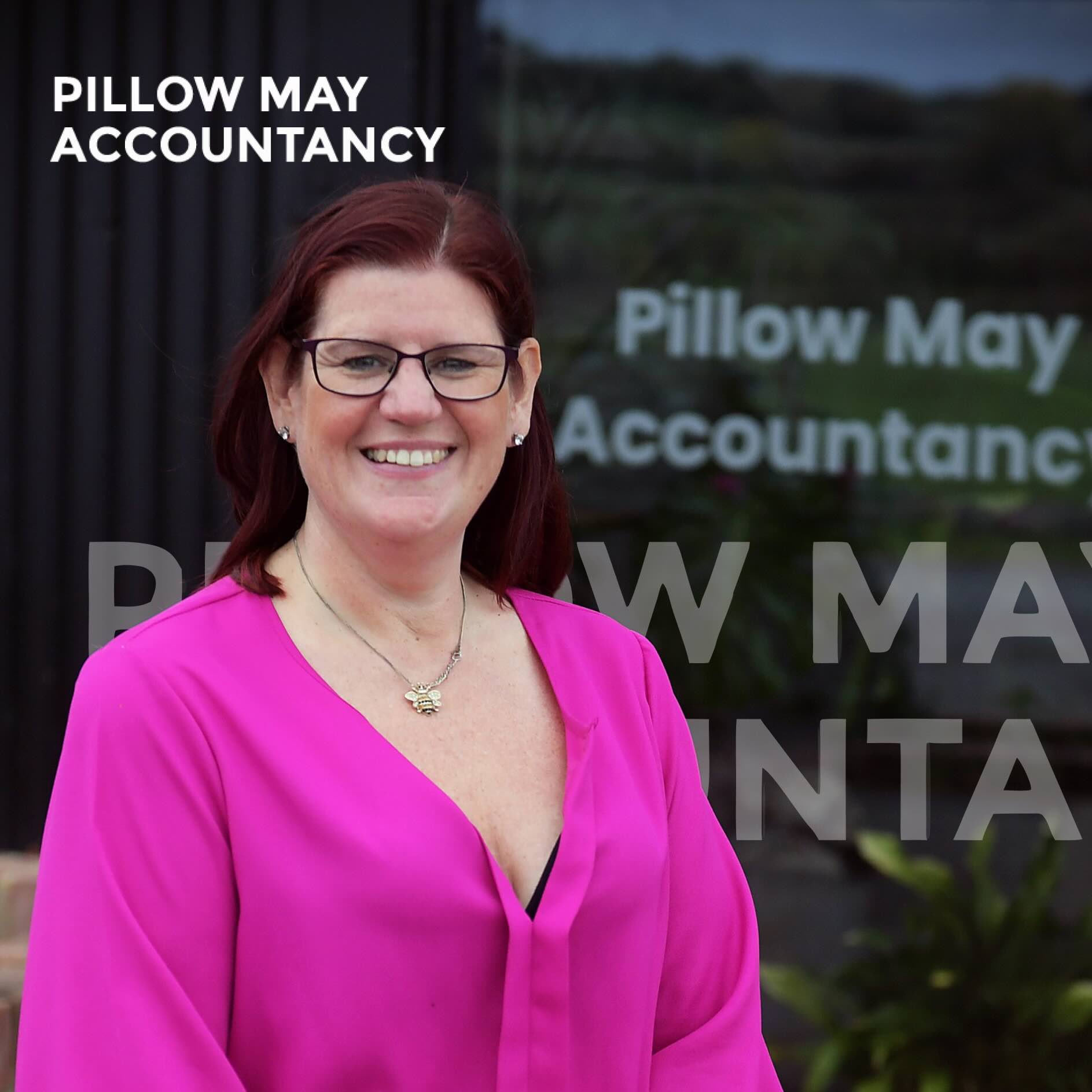
I don't have to worry about trying to find what amount is owed - I just click send and I know that Adfin will sort out everything within that email - for me it was a huge game-changer.
Samantha Sollis
Operations Director, Pillow May


What’s been really helpful about Adfin is that you build a flow once, and it triggers automatic reminders and chasers, saving a huge amount of time, and more importantly mental headspace.
Matthew Sarre
Co-founder, Jumpstart


We had 20 years of direct debit mandate history to wash through as part of this... the support we got in that journey was fantastic.
Phil Reader
CFO, Nuvo Accountancy


The software has made our work more seamless, which means we've got more capacity to take on extra clients.
Becky Jama
Practice Manager


We used to have one in five of our invoices paid late. Through the use of Adfin, that's now changed to one in 15. It makes our whole process more reliable.
Ben Hall
Practice Manager


Working with Adfin feels like a dream scenario for a business owner - I've got a team of smart, dedicated people building software to solve my biggest business problems.
Alex Eames
CEO, Helpbox UK


We just send an email, here is your payment link, and clients love it. Whether it’s Apple Pay or credit card, they’ll just be double-clicking on their phone like they would with any other bill.
Chris Reeve
Managing Director, Gascoynes

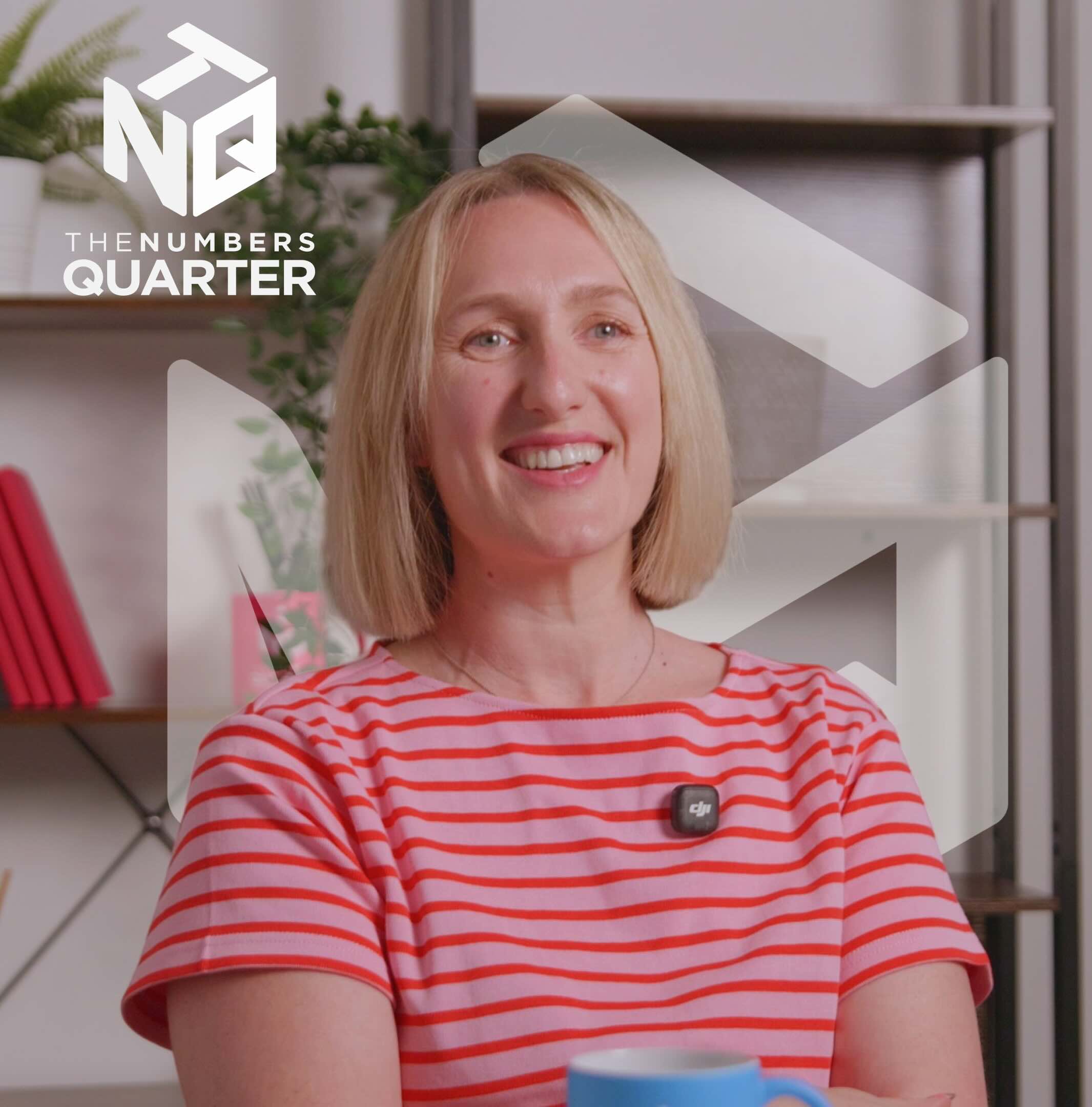
Adfin doesn't charge for retries, and it gives us the ability to collect all of our payments through the same platform: card payments, bank transfers and direct debits all in one place.
Nicola Hageman
Director, The Numbers Quarter

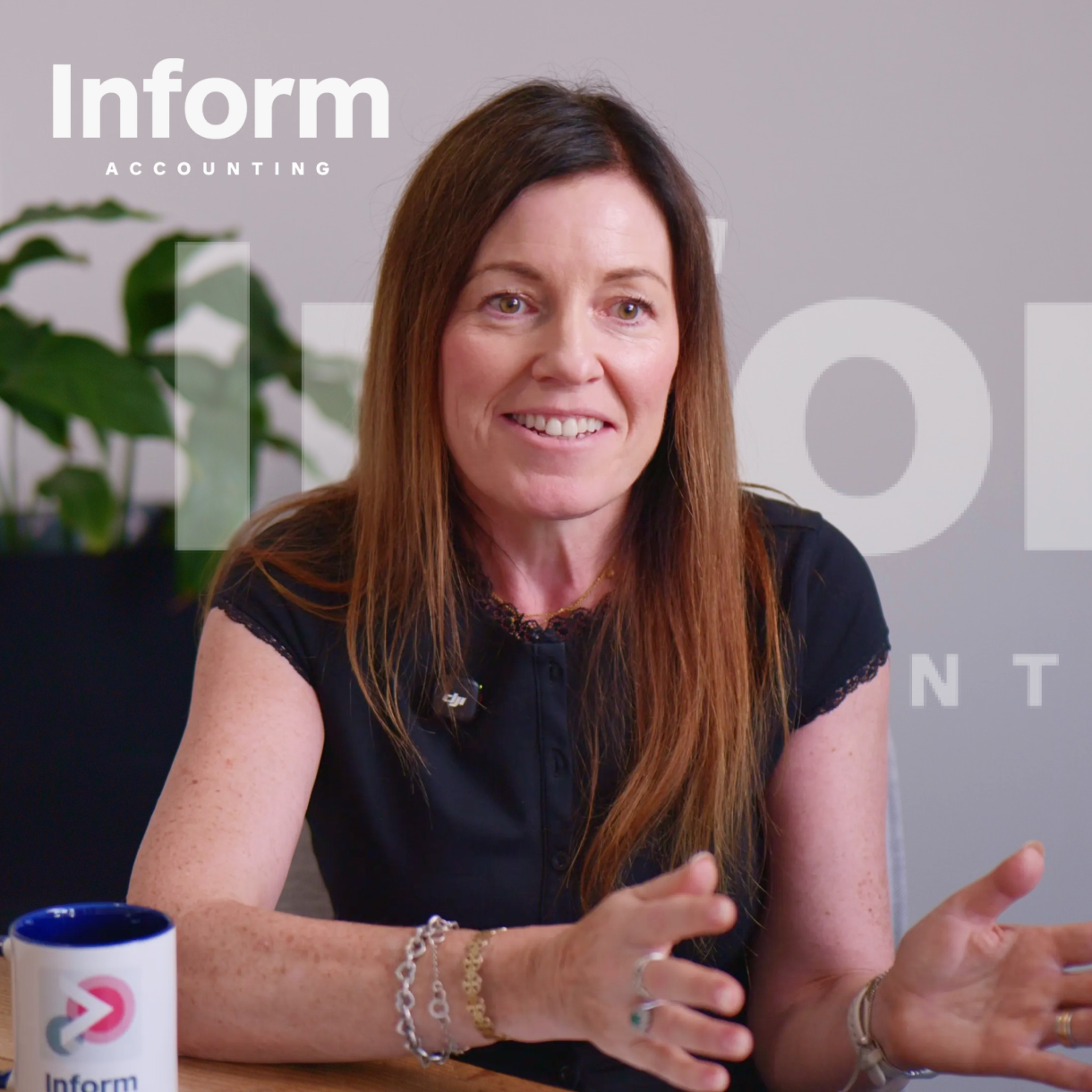
It's probably been the most effective method we've had for getting clients who didn't want to go on direct debit to sign up to more automated payments. Adfin's helped bring them onto a more automated payment method and change their mindset on paying.
Sian Kelly
Founder


Our vision when we started Represent was to have all of our clients on direct debit. This is how we set expectations with our clients. You sign up, you sign the direct debit, and we start working together
Antoaneta Pop
Co-founder


We've got lots of people that say they're against Direct Debit. They're not. They're against paying monthly or paying quarterly. They just want to pay when they get an invoice.
Ryan Lewis
Managing Director